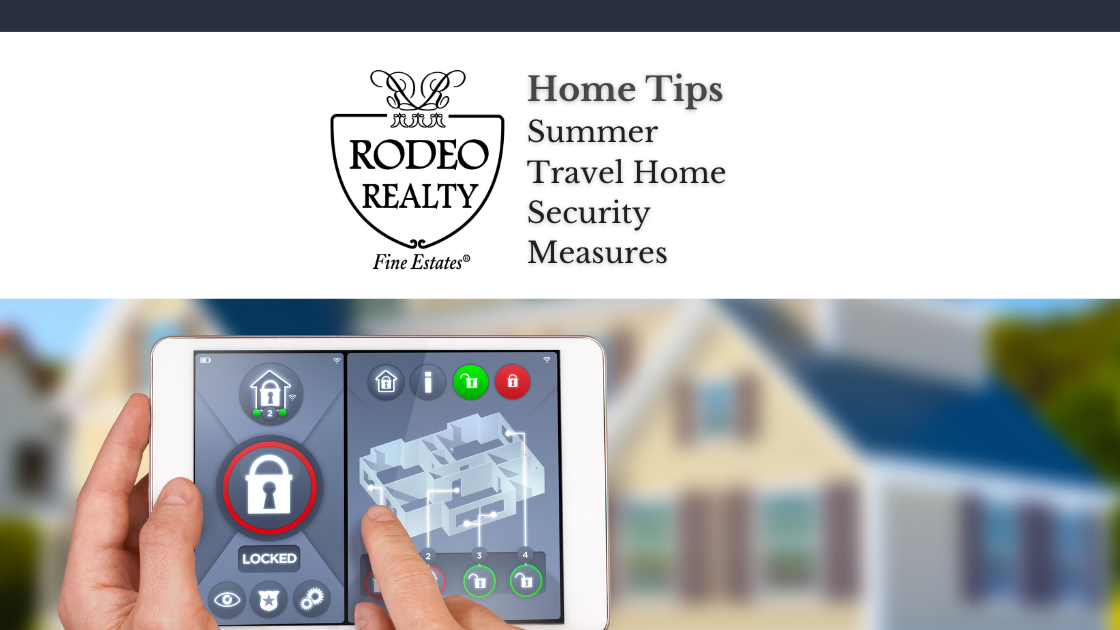
Labor Day getaways are better when you’re not doom-scrolling your doorbell feed. Below is a chic, practical smart home security tips checklist you can knock out in under an hour—prioritizing account security, Wi-Fi hygiene, and a few low-effort travel moves that make your house look lived-in while you’re poolside.
1) Lock down accounts first (it’s where most break-ins start)
- Turn on multi-factor authentication (MFA) for your camera, alarm, router app, thermostat, garage, and any cloud storage connected to footage. MFA blocks the vast majority of account-takeover attempts and is the #1 consumer recommendation from CISA’s Secure Our World campaign.
- Use strong, unique passwords (ideally via a password manager) for each device/app. Avoid reusing the same credentials across your doorbell, Wi-Fi, and email; federal guidance consistently stresses unique credentials as a primary defense.
2) Give your Wi-Fi a quick hardening pass
- Update your router’s firmware and turn on automatic updates if available. Out-of-date routers are a common weak link; U.S. cyber agencies explicitly urge regular updates and hardware refreshes when devices hit end-of-life.
- Use modern encryption (WPA3, or WPA2-AES at minimum). While you’re in the admin panel, change the default admin username/password, rename the SSID, and disable WPS, UPnP, and remote management—all common attack paths.
- Create a separate “Guest” network and park all IoT on it. Segmentation keeps a compromised gadget (say, a camera or speaker) from pivoting into your laptops and phones. Both CISA and the FTC recommend guest networks to isolate devices and reduce risk.
3) Prep your smart devices for “vacation mode”
- Change any remaining default passwords on cameras, doorbells, thermostats, and hubs. Default creds are widely abused; federal/consumer guidance is unequivocal here.
- Update firmware for cameras, locks, hubs, and the alarm panel before you leave; schedule a quick reboot of IoT devices to clear any resident malware and apply updates cleanly. (Yes, agencies note periodic reboots can help.)
- Set smart lighting scenes that look human: varied times, varied rooms. Pair with motion-activated porch lighting and privacy zones on outdoor cameras to avoid constant alerts.
- Review sharing/guest access. Remove ex-contractors or one-time pet sitters from your alarm and camera accounts; re-invite only the people you actually need.
4) Make your home look occupied (with less data exposure)
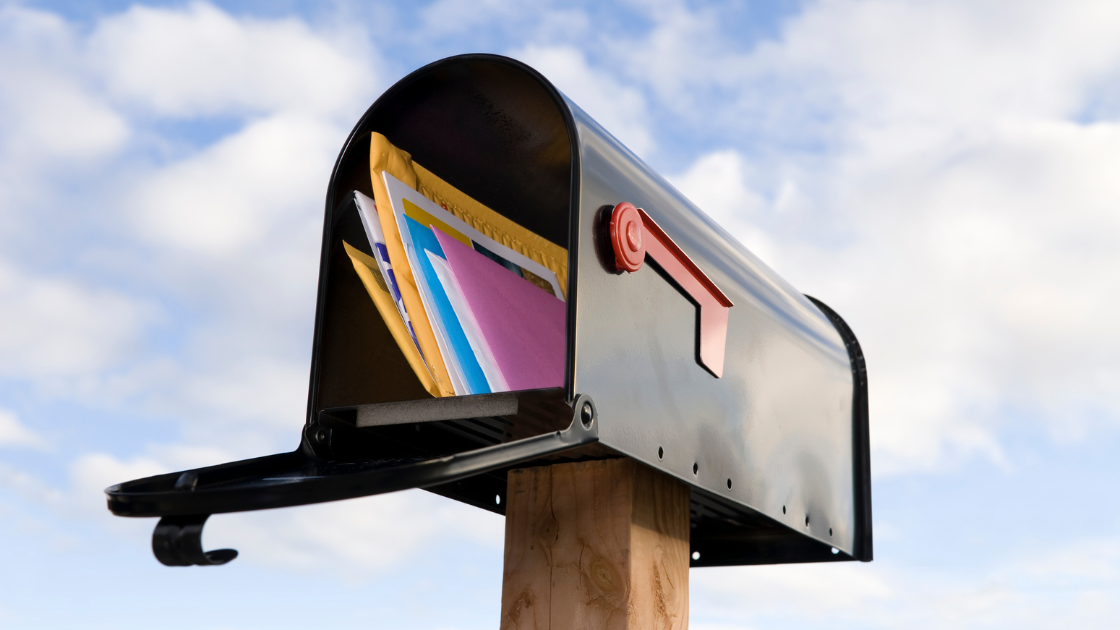
- Hold the mail and shipments. Nothing says “no one’s home” like a stuffed mailbox. Use USPS Hold Mail (free for 3–30 days) and pause recurring deliveries.
- Tweak notifications. Keep push alerts for critical sensors (entry, smoke, water leak) and cut the noise on routine events so you’ll notice what matters.

- Delay social posts. Save that pool selfie for when you’re back; broadcasting your location during travel can advertise an empty house.
5) Five-minute router + app tune-up (copy/paste this list)
- Log in to your router: update firmware, confirm WPA3/WPA2-AES, change admin password, disable WPS/UPnP/remote mgmt, and create a Guest SSID.
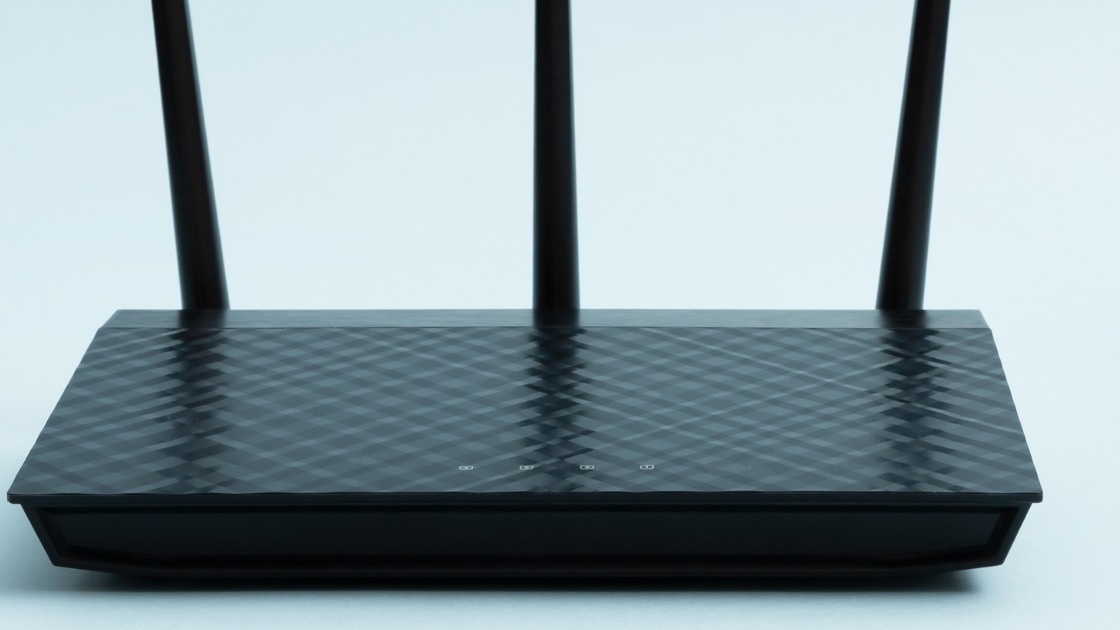
- Move all IoT devices (cameras, doorbells, thermostats, speakers) to the Guest network.
- In each device app: enable MFA, rotate any weak or reused passwords, and check for firmware updates.
- Reboot your modem/router and key IoT devices to clear memory-resident malware and apply updates.
- Create two lighting scenes (“Weeknight In,” “Weekend Out”) and schedule them for your trip dates.
6) Optional—but smart—hardening moves
- Upgrade old hardware (especially routers older than ~5–6 years). Newer models offer better radios, WPA3, and automatic security patches; national guidance encourages upgrading aging gear.
- Harden entry points: set door locks to auto-lock, enable camera privacy zones for neighbors’ property, and verify that video clips are encrypted in transit/storage per the manufacturer.
The 10-Point Pre-Departure Check
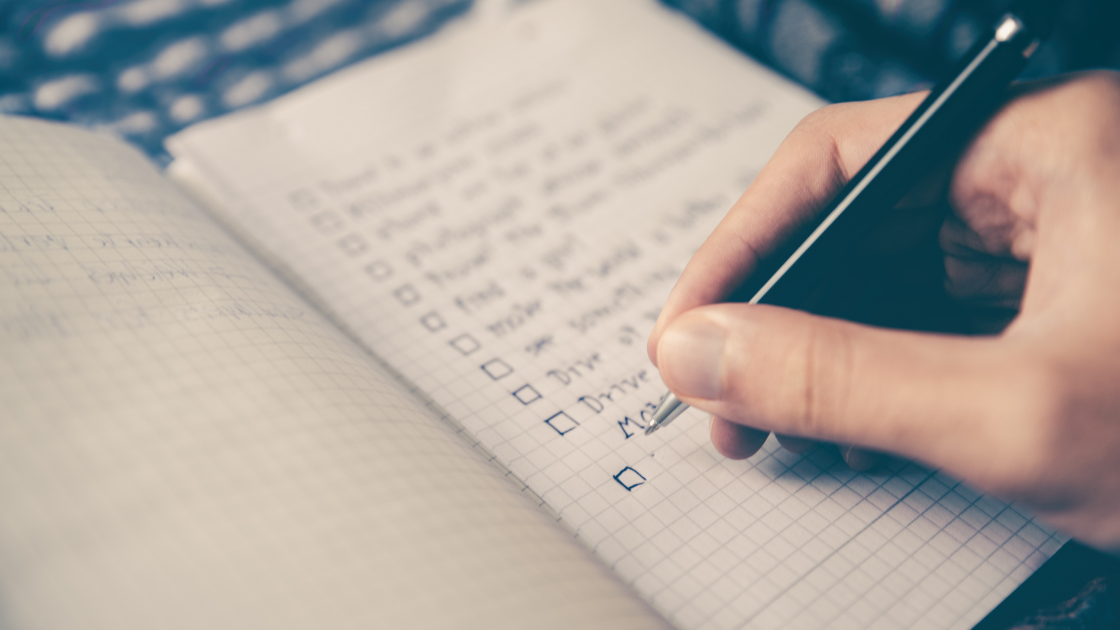
- MFA on all smart-home apps ✔︎ CISA
- Unique passwords stored in a manager ✔︎ CISA
- Router firmware updated ✔︎ U.S. Department of Defense
- WPA3/WPA2-AES + SSID/password changed ✔︎ CISA
- Guest network on; IoT segmented ✔︎ Consumer Advice
- WPS/UPnP/remote admin off ✔︎ CISA
- Device firmware updated; quick reboots ✔︎ watech.wa.gov
- Smart lighting scenes scheduled ✔︎
- USPS Hold Mail set ✔︎ USPS
- Remove old users; review notifications ✔︎
With these smart home security tips, your estate stays polished and protected—so you can enjoy the long weekend knowing your network, devices, and curbside signals are working for you, not against you.